
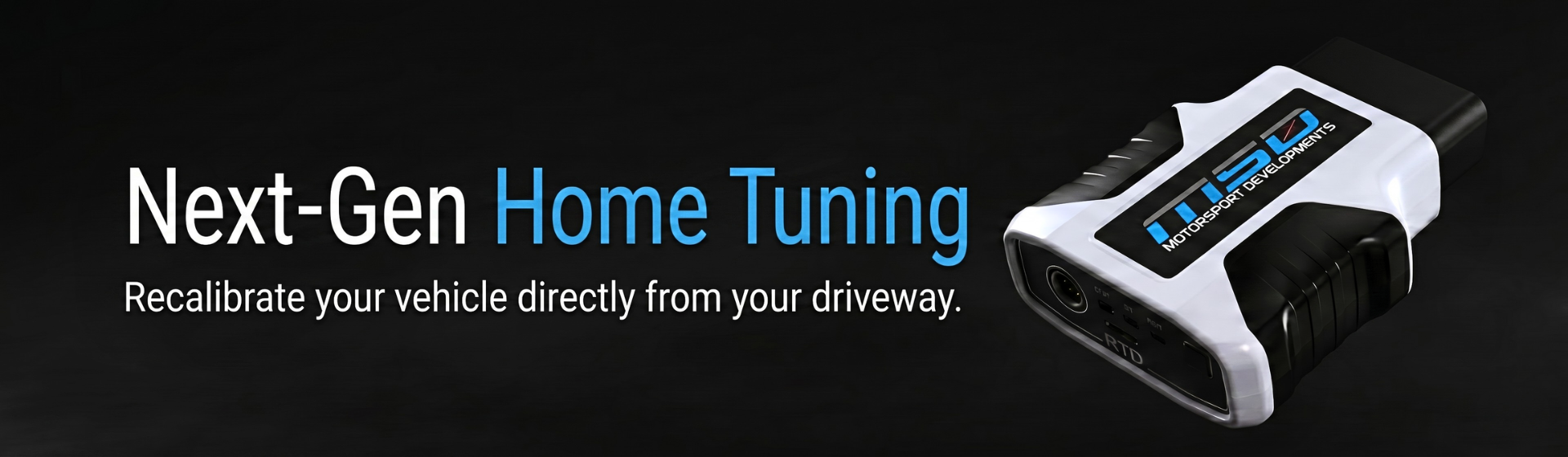
MSD RTD4 & TDN App Home Tuning
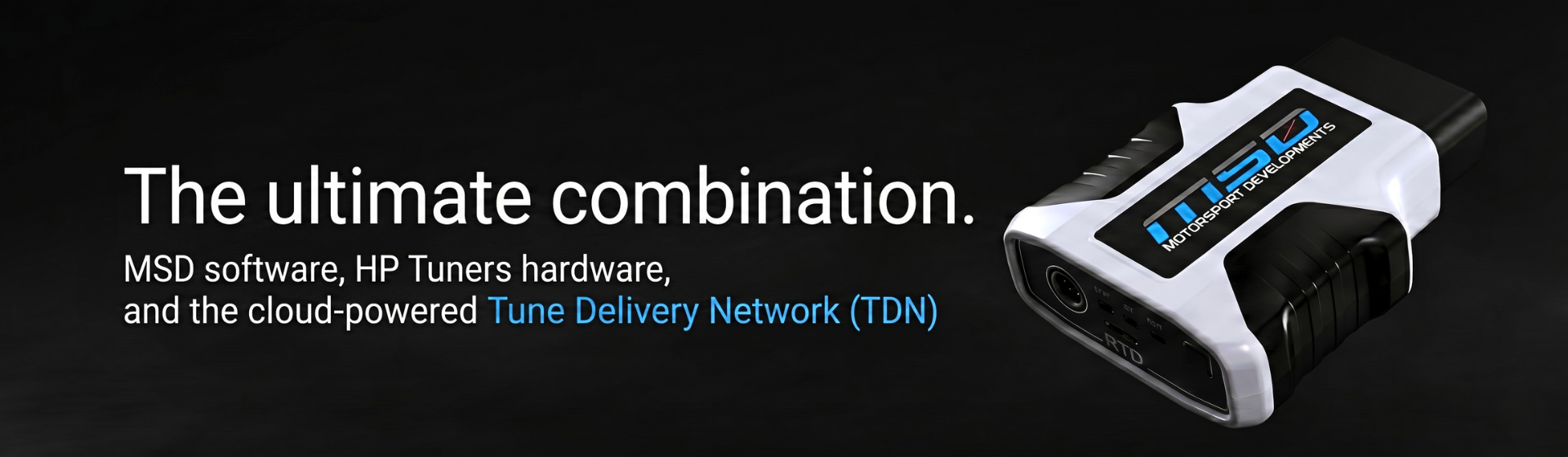
Enjoy world-class ECU calibration from Motorsport Developments without ever leaving your driveway. By combining our advanced calibration engineering with the industry-leading HP Tuners RTD4 hardware and the cloud-powered TDN network application, tuning your vehicle from home is now safe, fast, and incredibly simple.
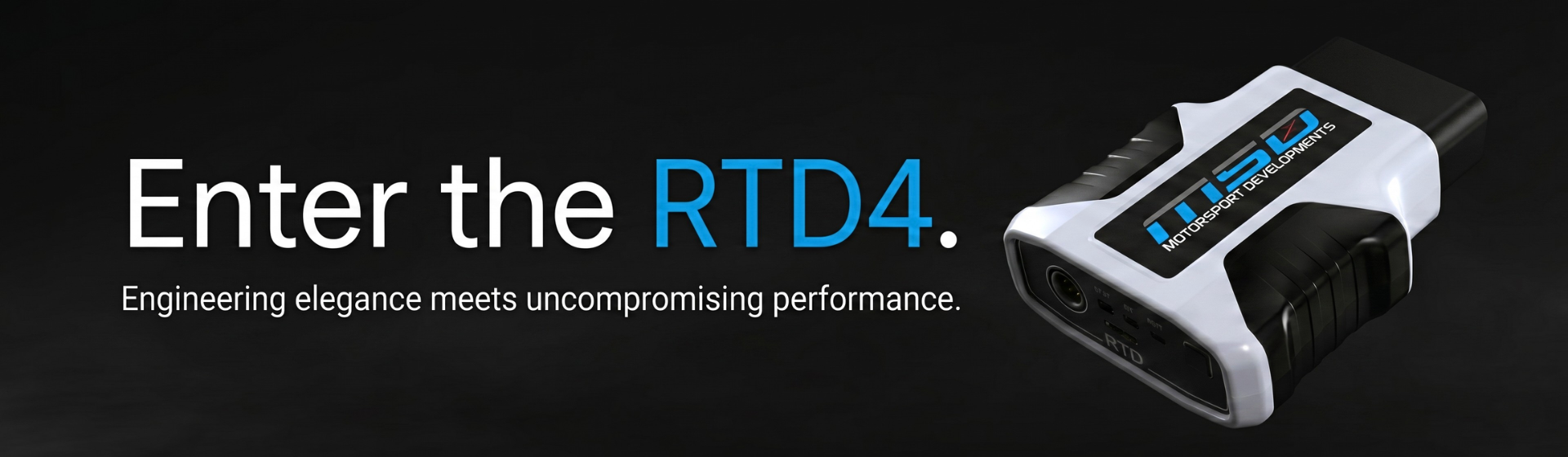
The MSD RTD4 Device
The RTD4 interface is a cutting-edge hardware link connecting your vehicle's engine control module directly to our engineers via Bluetooth and your smartphone. Far beyond an ordinary handheld programmer, the RTD4 acts as a robust diagnostic scanner, high-speed engine data logger, and ultra-secure ECU flashing interface built to withstand professional vehicle development workflows.
.png)
.png)
The TDN Network App
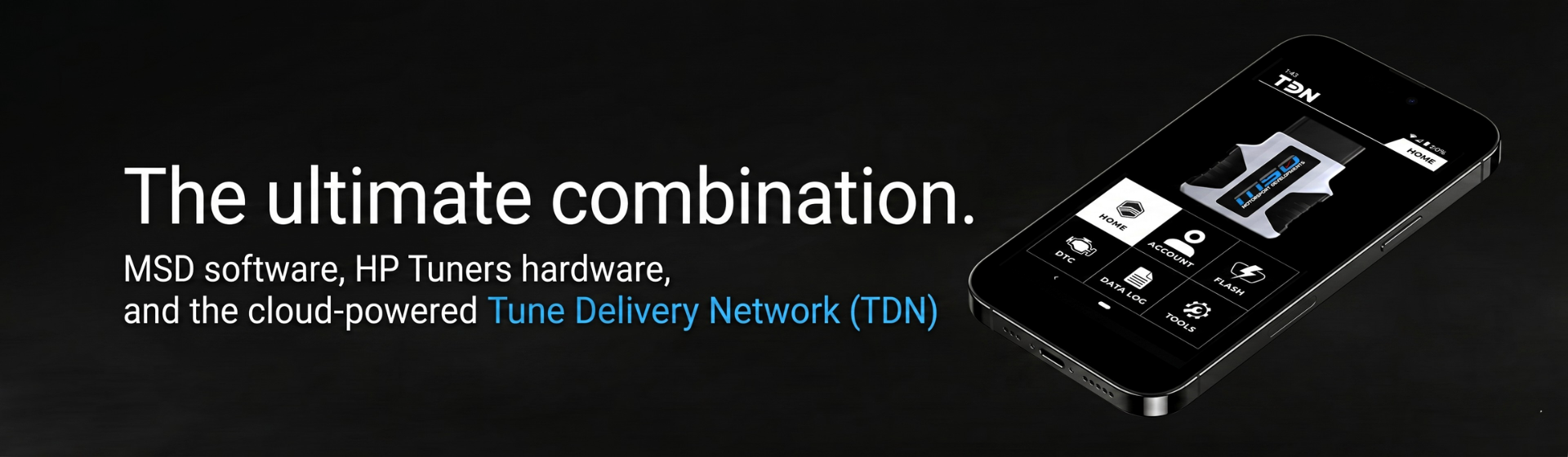
Available on both iOS and Android platforms, the TDN app is your portal to our tuning desk. It bypasses the need for clunky laptops, file managers and email useage entirely. The app seamlessly links your smartphone to your plugged-in RTD4 interface via Bluetooth, uploading vehicle data to us and downloading bespoke MSD custom files for you right out of the cloud.
Our 6-Step Remote Tuning Process
Order Your RTD4 Interface Kit
Order your signature Motorsport Developments RTD4 hardware interface directly from our online webshop. We'll package your kit cleanly and dispatch it to your door using rapid, trackable shipping services.
Download the TDN Mobile App
While your hardware package is on its way, jump onto the Google Play Store or Apple App Store to download the official TDN Application. Open the app, set up your account profile, and ready your login details.
Read Your Factory File
Unbox your device, walk out to your vehicle, and plug the RTD4 firmly into your vehicle's standard diagnostic OBD port. Switch on your car's ignition, open your phone's TDN app via Bluetooth, and command a "Read File" to extract your car's baseline software environment.
Submit Data to Our Engineers
Using the seamless transfer infrastructure built straight into the app, sync your read data file instantly up to the cloud tuning portal. Be sure to note down all mechanical bolt-on modifications present on the vehicle alongside any custom preference choices.
Flash Your Custom Tune
Our dedicated files team reviews your information and manually constructs your custom software environment before passing it right back to your mobile device. Open the app, hit "Write File," and easily load the MSD performance map to your ECU inside just a few minutes.
Datalog and Fine-Tune
Your tune pricing includes two complimentary, high-resolution datalog reviewed file revisions. We call them E-Tunes. This service utilises the RTD4's ultra high speed datalogging capabilities to record engine data and transmit it back to us for analysis and further refinement, ensuring optimal drive efficiency, peak engine protection, and maximum power.
.png)
Ready to Experience Remote Tuning Done Right?
No compromises on factory safety limits, no heavy laptops, and total flexibility to revert your PCM back to standard at any moment. Order your complete home installation hardware bundle from our shop to get started today.